
Small businesses can protect financial information by separating bookkeeping from payment approval, using phishing-resistant multi-factor authentication, and securing cloud payment tools. Financial security must cover live payments, accounts, and access, not only stored files.
Independent payment checks, limited administrator access, and bank controls help prevent criminals from diverting working capital. These steps also protect relationships with customers, vendors, banks, and other partners.
Most fraud starts in the inbox, so this guide begins with secure email. It then covers common threats, safer financial tools, access control, device protection, encryption, staff training, breach response, and a practical 90-day roadmap.
Why Secure Email Matters for Financial Protection
Email is where most financial fraud begins. Invoices, bank details, payroll files, and payment approvals all move through inboxes, so a weak email service puts every other control at risk. An encrypted provider such as Proton Mail uses end-to-end encryption, which keeps message content unreadable to anyone who intercepts it and limits the chance of tampering in transit. Pair it with phishing-resistant MFA, strong passphrases, and separate mailboxes for finance work. Secure email does not replace staff verification, though. Always confirm payment or bank-detail changes by phone, because a protected inbox cannot detect a convincing impersonation.
1. Recognize Common Online Threats to Financial Data
Criminals now use targeted deception instead of relying only on broad automated attacks. Staff awareness can stop many attacks before money or account access is lost.
How Phishing Emails and Texts Steal Login Details:
Phishing emails and smishing texts pretend to come from banks, managers, or software providers. Fake login pages collect passwords and session details, often using urgent messages about frozen accounts or suspicious payments.
How Business Email Compromise Redirects Payments:
Business Email Compromise changes real conversations or impersonates an executive. Attackers may replace vendor bank details or request an urgent wire. Independent phone verification can stop these attacks.
What Malware, Ransomware, and Spyware Can Access:
Malware from attachments, cracked software, or unsafe downloads can steal browser cookies, saved payment data, and accounting passwords. Ransomware can lock ledgers, while spyware can record keystrokes during banking sessions.
Why Weak Vendor and Cloud Account Security Creates Risk:
Billing, payroll, and cloud vendors extend a company’s security boundary. Excessive permissions or weak vendor controls can expose financial records and give attackers a path into connected business systems.
2. Choose Secure Accounting, Banking, and Payment Tools
Choose financial tools with strong access controls, detailed activity records, and reliable security practices. Avoid free or consumer tools for important business transactions.
What Security Features Should Accounting Software Provide?
Accounting software should record every change, export, and permission update. Role-based access, read-only records, and automatic logout help separate bookkeeping from payment approval and reduce account misuse.
How to Evaluate SaaS and Financial Technology Vendors:
Check vendor certifications, testing practices, cloud design, breach reporting terms, and data deletion rules. Ask whether vendor employees can view customer records and whether customer data is kept separate from other accounts.
How Secure Payment Processing Reduces Exposure:
Tokenized payment systems keep card details out of local databases. PCI DSS 4.0.1 also requires monitoring checkout scripts for browser skimming. Remove unnecessary scripts from payment pages.
3. Control Who Can Access Financial Information
Limit access to the data and tools each person needs. Separate bookkeeping, account setup, and payment approval so one stolen account cannot control the entire payment process.
Create Strong, Unique Passwords:
Use unique passphrases longer than 12 characters with mixed letters, numbers, and symbols. Never reuse passwords across business services, and avoid simple changes to old passwords.
Use a Password Manager for Business Accounts:
A business password manager stores credentials in an encrypted vault, creates strong passwords, and fills them only on approved sites. Disable browser password saving on unmanaged computers and protect the master account.
Require Multi-Factor Authentication:
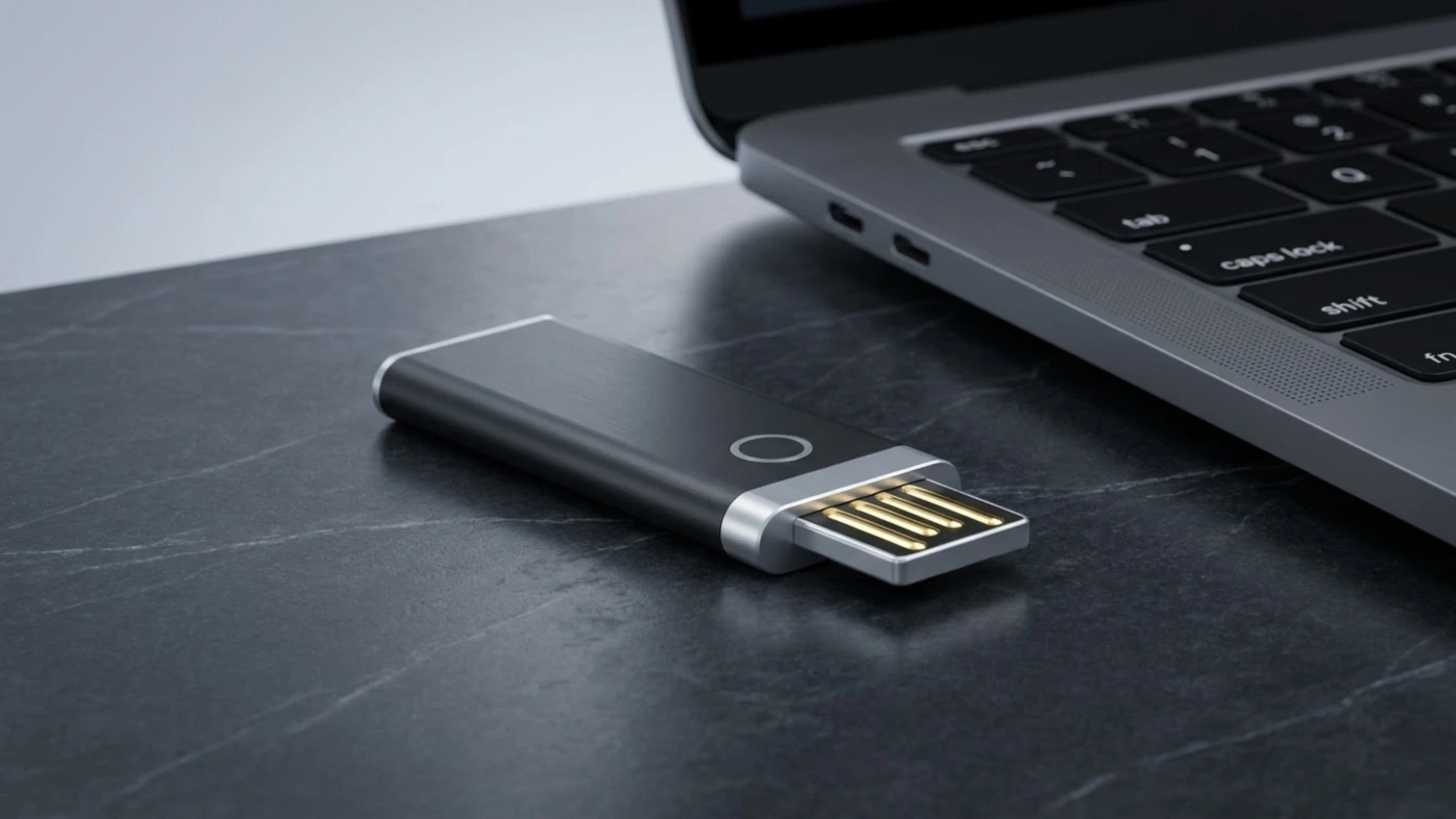
MFA blocks most automated attacks. Use hardware security keys or passkeys instead of SMS where possible, and protect email, accounting, banking, cloud, and identity accounts with MFA.
Apply Least-Privilege Access to Financial Systems:
Give each worker only the access needed for the job. A bookkeeper may reconcile records but should not approve transfers. Use two-person approval for outgoing payments.
Remove Access When Employees or Contractors Leave:
End access as soon as a worker leaves or changes roles. Revoke sessions, email delegates, OAuth connections, and tokens instead of waiting for a quarterly review.
4. Secure Devices, Networks, and Online Connections
Cloud protections cannot fix unsafe computers, phones, routers, or Wi-Fi. Keep financial work separate from general browsing and manage every device that reaches business accounts.
Keep Operating Systems, Browsers, and Apps Updated:
Install updates quickly on operating systems, browsers, plugins, PDF tools, and network software. Automatic patching reduces the time attackers have to exploit known weaknesses.
Use Antivirus Protection and a Firewall:
Endpoint security can detect harmful files and unusual behavior. Firewalls block unwanted inbound and outbound connections, helping protect financial systems from scanning and remote attacks.
Secure Business Wi-Fi With Strong Encryption:
Use WPA3 or WPA2-Enterprise with a strong router password. Turn off WPS, remote administration, and UPnP. Keep guests on a separate, firewall-protected network.
Protect Financial Accounts on Remote and Personal Devices:
Use mobile device management for company laptops and phones. Remote workers should use a VPN, private browser windows, and separate business devices instead of mixing banking work with personal browsing.
5. Encrypt and Back Up Financial Data
Encryption makes stolen data difficult to read, while separate backups help restore records after ransomware, hardware failure, or accidental deletion.
Encrypt Financial Files in Storage and Transit:
Use AES-256 for stored records and TLS 1.3 for network traffic. Encrypted drives and external storage also protect data if a physical device is lost.
Use Secure Servers and Cloud Storage:
Choose providers with valid SSL certificates, separated customer workloads, and strong access controls. Client-side encryption can prevent cloud staff from reading stored financial files.
Create Tested, Separate Backups:
Follow the 3-2-1 rule: keep three copies on two media types, with one offline and offsite. Use immutable storage and test a seven-day recovery at least every quarter.
Delete and Dispose of Financial Records Securely:
Set retention periods for old tax files, checks, and invoices. Cryptographically wipe retired drives, and cross-cut shred paper containing bank details or Social Security numbers.
6. Train Employees to Prevent Financial Data Loss
People handle many payment decisions, so training must match real fraud methods. Clear rules help staff slow down and check unusual requests.
Teach Staff to Verify Payment and Account Change Requests:
Confirm vendor bank changes through a trusted phone number already stored in company records. Never use contact details included in the change request.
Show Employees How to Spot Spoofed Emails and Links:
Teach staff to check sender domains, email paths, misspellings, and lookalike characters. They should open banking sites through saved bookmarks instead of unexpected links.
Set Rules for Sharing Sensitive Files and Credentials:
Do not send tax, payroll, or bank records through ordinary email. Use secure portals with individual logins, and never share administrator passwords in chat or shared documents.
Use Regular Security Awareness Training:
Run monthly training and simulated phishing exercises. Discuss real scams without blaming employees, and recognize workers who report suspicious messages.
7. Create a Financial Data Breach Response Plan
A written response plan gives staff clear actions during a payment fraud or account breach. Quick reporting and careful evidence handling improve recovery efforts.
What to Do After Suspecting Unauthorized Access:
Notify security and accounting leaders through a separate channel. Do not restart devices or delete logs, since system memory and records may help investigators.
How to Contain a Compromised Account or Device:
Disconnect the device from Wi-Fi and Ethernet. Revoke cloud sessions, reset MFA settings and passwords, remove fake forwarding rules, and delete unknown delegates and OAuth tokens.
When to Contact Banks, Vendors, Insurers, and Authorities:
Contact sending and receiving banks within hours to request recalls or account freezes. Also contact the insurer, FBI IC3, and local police. Recovery chances fall sharply after 48 hours.
How to Document, Recover, and Improve After an Incident:
Record messages, changed payment details, logs, timelines, and losses. After recovery, review the incident, fix weak controls, and update software and access policies.
8. Build a Practical Small Business Security Roadmap
Financial protection needs regular work rather than a single technology purchase. A 30-, 60-, and 90-day plan lets a small company improve security in manageable steps.
Actions to Take During the First 30 Days:
Protect email, banking, and accounting accounts with phishing-resistant MFA. Add positive pay for checks, ACH debit blocks, and independent verification for vendor wire changes.
Controls to Add During the First 90 Days:
Separate bookkeeping and approval roles, set up immutable offsite backups, test a seven-day restoration, and review the security practices of outside vendors.
Ongoing Reviews for Passwords, Access, Backups, and Training:
Review access after role changes, contractor endings, and departures. Run monthly phishing tests and quarterly backup recovery tests to keep controls working.
How to Measure Whether Financial Data Protection Is Improving:
Track access removal time, hardware-key use, verification rates for invoice changes, and backup recovery speed. These measures show whether financial defenses are working in daily practice.
The Bottom Line
Protecting financial information starts with the inbox and extends to every account, device, and payment approval. Encrypted email, phishing-resistant MFA, least-privilege access, and independent phone verification work best together, because no single tool stops every attack.
Future protection will rely more on monitoring connections between open-banking services and accounting tools. Synthetic identities and automated social engineering will also require repeated checks on payment activity.
Cyber insurance may require proof of MFA, two-person payment approval, and reliable audit records. Keeping verified records of these controls can support insurance claims and reduce losses from digital fraud. Small businesses that review their controls regularly keep their financial information safer and recover faster when an incident occurs.