
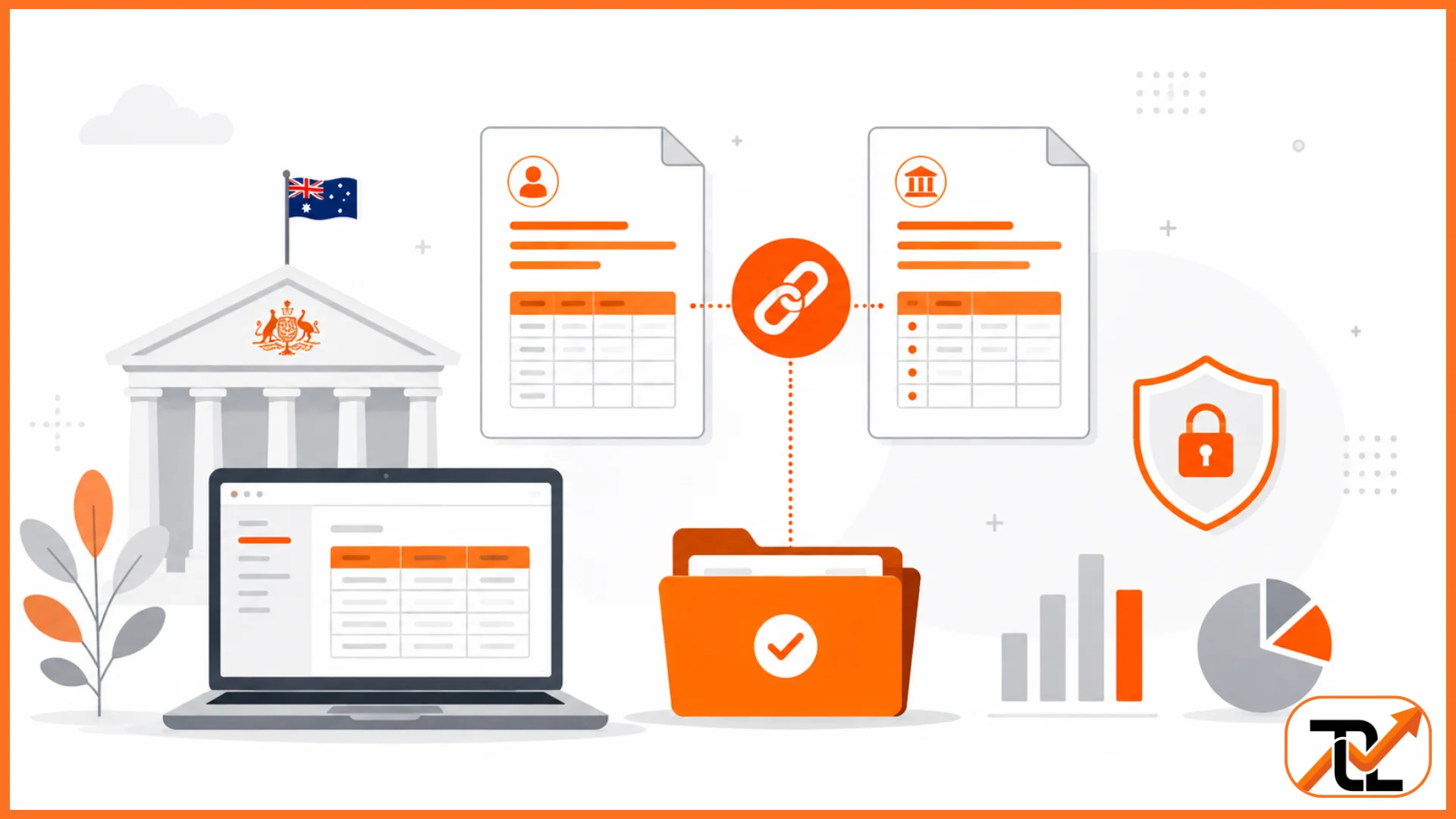
ATO Linking Code problems often prevent people from accessing important tax services when they need them most. Many Australians cannot link to the ATO because identity verification occasionally fails during the sign in option process. Consequently, they may lose temporary access to ATO Online Services until completing additional verification requirements.
This guide explains how to obtain an ATO Linking Code, sign in to your myGov account, link services securely, and use official verification methods. Additionally, you will learn common fixes, alternative options, and official resources available through the ATO website.
What Is an ATO Linking Code?
An ATO linking code is a temporary security code that helps link the Australian Taxation Office to your myGov account. Generally, it supports the linking process when standard identity questions cannot confirm your identity successfully.
Additionally, the code protects your tax and super information by allowing secure access to ATO Online Services. You can then manage your tax return, update personal details, and use other online services confidently.
Why You Need an ATO Linking Code:
You may need an ATO linking code because the system cannot automatically confirm your identity during the linking process. Consequently, the code securely links the ATO to your myGov account without delaying your online access. Afterwards, you can lodge a tax return, manage tax and super, and update account information through ATO Online Services.
When You Might Not Need the Code:
You might not need the code if you successfully answer the required identity questions while linking the ATO. Additionally, using myID with the appropriate digital ID strength may complete the linking process without requesting another code. Thereafter, you can sign in using your preferred security method and access online services immediately.
How to Get an ATO Linking Code Online?
You can obtain an ATO linking code online by signing into ATO Online Services or the official app with your verified credentials. Follow the instructions below for getting a linking code online.
1. Sign in to ATO Online Services or the ATO App:
Firstly, sign in using your existing credentials or use your myID for secure access. Additionally, ensure your digital ID sets your online access strength correctly before continuing. Afterwards, open ATO Online Services or the official app to begin the process. Correct account details reduce delays and improve security throughout the session.
2. Verify Your Identity and Access the Linking Code Option:
Secondly, provide the requested information to confirm your identity, including your TFN when required. Subsequently, the system checks your details against official ATO records before displaying the linking code option. However, if verification fails, follow the available help instructions or contact ATO support for further assistance.
3. Generate, Copy, and Use Your Linking Code Before it Expires:
Finally, generate the code and copy it carefully before leaving the page because the code remains valid briefly. Thereafter, link ATO Online Services to your myGov account by entering the code during the linking process. Successfully linking the services to your myGov account allows secure access to tax and super information online.
Other Methods of Getting a Linking Code
Although most people obtain an ATO linking code online, alternative options remain available when online verification is unsuccessful. Additionally, these methods help users regain secure access to their ATO account without delaying important tax obligations.
Depending on your circumstances, you can request assistance by phone, visit an ATO service centre, or use another approved identity verification method. The following options explain when each method applies and where to obtain official help and support for online services.
Request a Linking Code by Calling the ATO:
Firstly, call the ATO and complete identity verification before requesting an ATO linking code over the phone. Additionally, keep your TFN and personal details available because staff must confirm your identity securely. Afterwards, the representative may issue a temporary code for your ATO account if you satisfy verification requirements.
Get Help at an ATO Service Centre:
Alternatively, visit an ATO service centre if online verification or phone support cannot resolve your issue. Bring your identification documents and TFN because staff must verify your identity before providing further assistance. Afterwards, they can explain available support for online services and help restore secure access to your account.
How to Link the ATO Online Services to Your myGov Account?
After obtaining an ATO code, you can complete the linking process and access government tax services online. Generally, linking your ATO account to myGov provides secure access to manage your tax and super, lodge a tax return, and update personal details.
Before starting, ensure your identity information is ready, and your preferred verification method is available. If the process does not succeed, the troubleshooting guidance below explains the next steps and available support.
Information You Need to Link ATO to Your myGov Account:
Before linking, prepare your TFN, personal details, and any requested financial information for identity verification. Additionally, you may need myID with a strong or standard identity strength and an authenticator if enabled. Accurate information helps complete the process smoothly and provides secure access to your ATO account.
What to Do if Your Linking Attempt Fails:
If an error message appears, review your entered details carefully before attempting the process again. Additionally, ensure your device, authenticator, and financial year information match official ATO records where required. If problems continue, access help and support for online services or unlink and relink your account following official instructions.
Conclusion
ATO Linking Code makes it easier to securely link to the ATO and protect your personal tax information. After you sign in to myGov, you can complete the link services process and access ATO Online Services without unnecessary delays. Additionally, using myID to sign in with the appropriate identity strength improves account protection during every login.
If you experience verification issues, the official ATO website provides reliable support and updated instructions. Following the correct steps helps you manage tax matters confidently while keeping your account secure. Have you successfully linked your ATO account, or do you still need help with the process?
FAQs
1. How long does an ATO Linking Code remain valid?
An ATO Linking Code is temporary and expires after a short period, so use it immediately.
2. What should I do if my ATO Linking Code expires?
Generate a new code through ATO Online Services or contact the ATO if necessary.
3. Do I need myID to link my ATO account?
Not always. However, using myID can simplify identity verification for many users.
4. Why can’t I link my ATO account to myGov?
Incorrect personal details, failed identity checks, or outdated information commonly cause linking problems.
5. Where can I get official help with ATO linking issues?
Visit the official ATO website or contact ATO support for assistance with account linking and identity verification.